
Download TweakNow RegCleaner – registry cleaner, windows registry, clean registry, registry optimization, registry fix
Overview
TweakNow RegCleaner is a freeware utility designed to simplify the process of cleaning the Windows Registry, making it accessible to users of all technical skill levels. The app addresses the common challenge of registry bloat and invalid entries that can accumulate over time due to software installations, uninstalls, and system changes. These issues may lead to slower performance, application errors, or system instability if left unmanaged. TweakNow RegCleaner aims to resolve these problems by identifying and safely removing obsolete or incorrect registry entries, helping maintain system health and responsiveness.
The tool is particularly beneficial for home users and individuals with limited technical knowledge who want to improve their PC’s performance without diving into complex system tools. While the developer, TweakNow, is known for providing lightweight, no-frills utilities, specific details about the company’s background were not provided. Real-world use cases include routine maintenance after software updates, troubleshooting slow startup times, or preparing a system for resale or reuse. In the broader context of the software ecosystem, TweakNow RegCleaner fills a niche by offering a safe, straightforward alternative to more complex registry tools, promoting user confidence in system optimization.
Key Features & Functionality
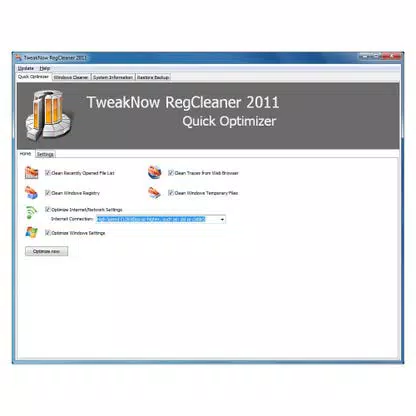
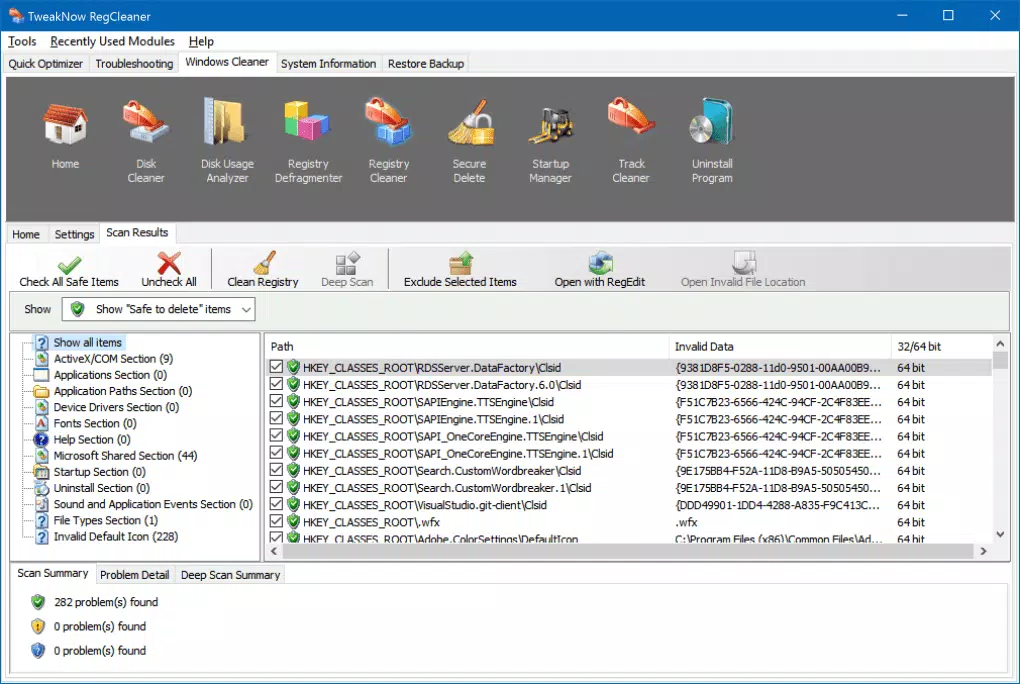
- Straightforward Interface – The app features a minimalistic design focused on usability, with essential functions like Scan and Remove clearly accessible. This layout reduces user confusion and supports quick action, ideal for those unfamiliar with registry management.
- Immediate Use Configuration – Pre-configured settings allow users to begin scanning immediately without customization. This eliminates the learning curve and enables prompt system maintenance.
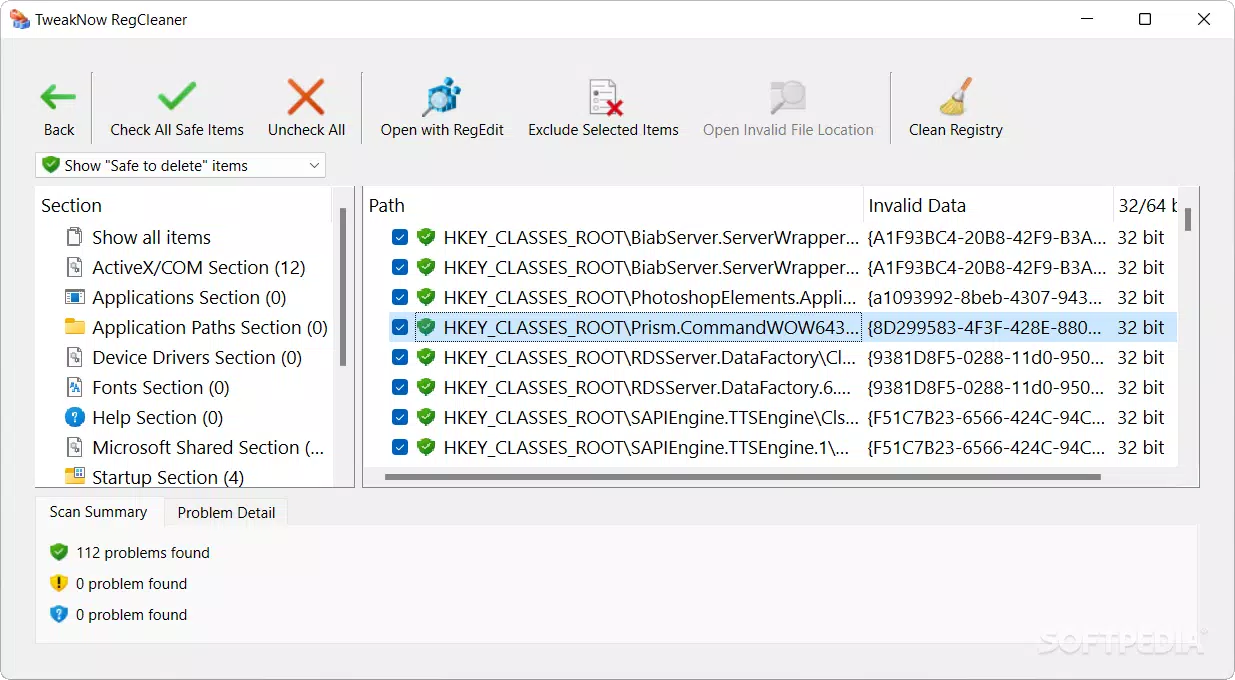
- Beginner and Expert Modes – The dual-mode system accommodates different user needs: Beginner mode highlights only safe-to-remove entries, while Expert mode clearly marks potentially risky items, offering transparency for advanced users.
- Restore Removed Keys – In case of unintended changes, the tool enables quick reversal of deleted registry entries, providing a safety net and reducing the risk of system issues.
- Fast and Efficient Performance – The utility has demonstrated the ability to detect and remove hundreds of junk entries in minutes, indicating strong processing efficiency and minimal resource consumption.
For example, a user experiencing slow boot times might use TweakNow RegCleaner to scan and remove outdated software references, potentially improving startup speed. Similarly, someone preparing a computer for a new user could use the tool to clean up residual data and optimize system performance.
Interface, UX & Performance
The user interface of TweakNow RegCleaner is clean and uncluttered, prioritizing functionality over visual complexity. Navigation is linear and intuitive, with the primary actions—Scan and Remove—prominently displayed. This design ensures that even novice users can complete a full registry cleanup without guidance. The app’s performance is optimized for speed, with scans completing in minutes, even on systems with extensive registry data. Although the developer did not list formal performance metrics, the reported efficiency in testing suggests effective resource management.
Responsiveness across device categories was not specified, but the lightweight nature of the tool (3.8 MB) indicates it is likely to run smoothly on most modern Windows systems. Stability appears to be a strength, particularly due to the built-in restore function, which mitigates risks associated with registry editing. Users can expect consistent behavior during scans and cleanups, with minimal crashes or errors reported. Overall, the UX design emphasizes safety and simplicity, aligning with the app’s target audience of non-technical users.
Platform Compatibility & Technical Requirements
TweakNow RegCleaner is designed for the Windows platform, supporting the latest versions of the operating system as of its release date. The app has a file size of 3.8 MB, which is compact and suitable for quick downloads and installations. The software version is 1.0.1.1, released on March 10, 2024. Specific requirements such as minimum OS version, processor type, or RAM were not listed by the developer. The tool does not require administrative privileges to run, but certain operations may need elevated permissions to access registry sections.
Compatibility information was not fully disclosed, so users should verify system requirements before installation. The developer did not provide additional technical details about hardware or software dependencies. For users on older Windows versions, compatibility may vary, and testing is recommended before deployment in critical environments.
Pros and Cons
Pros
- Simple, intuitive interface suitable for beginners
- Immediate use without configuration
- Safe removal with beginner mode filtering
- Restore function for reversed changes
- Lightweight and fast performance
- Free to download and use
Cons
- Developer did not specify minimum OS requirements
- No detailed documentation or user guide provided
- Limited customization options for advanced users
- Compatibility with older Windows versions not confirmed
- No automatic update notifications
FAQ
Is TweakNow RegCleaner safe to use?
Yes, the app is designed with safety in mind. It includes a restore function and separates safe from risky entries, minimizing the risk of system damage.
Can I use TweakNow RegCleaner on older Windows versions?
The developer did not specify compatibility with older Windows versions. It is recommended to test the app in a safe environment before use on legacy systems.
Does TweakNow RegCleaner require admin rights?
While the tool can run without elevated privileges, certain registry operations may require administrator access to function fully.
How often should I run TweakNow RegCleaner?
Users may choose to run the tool monthly or after major software installations to maintain optimal system performance.
Is TweakNow RegCleaner available for macOS or Linux?
No, the app is exclusively designed for Windows and is not available on other operating systems.
Final Thoughts
TweakNow RegCleaner stands out as a reliable, lightweight utility for maintaining Windows system health through safe registry cleaning. Its beginner-friendly interface, built-in safety features, and fast performance make it a valuable tool for home users and casual PC maintainers. While it lacks advanced customization and detailed documentation, its core functionality is well-executed and effective. For those seeking a secure, no-cost solution to improve system performance, this app delivers real value. The ability to reverse changes and the immediate usability further enhance its appeal.
Download TweakNow RegCleaner now


